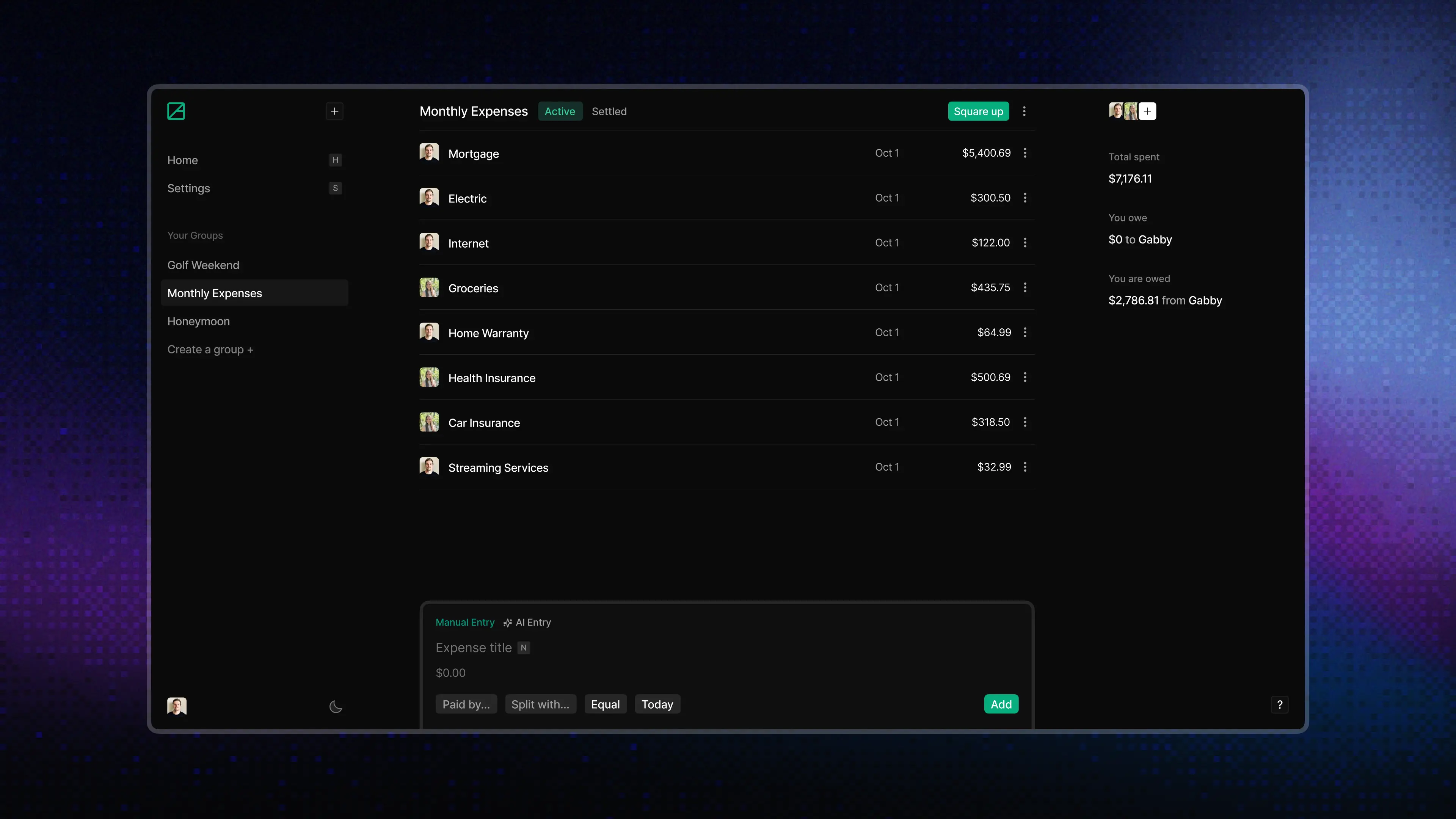
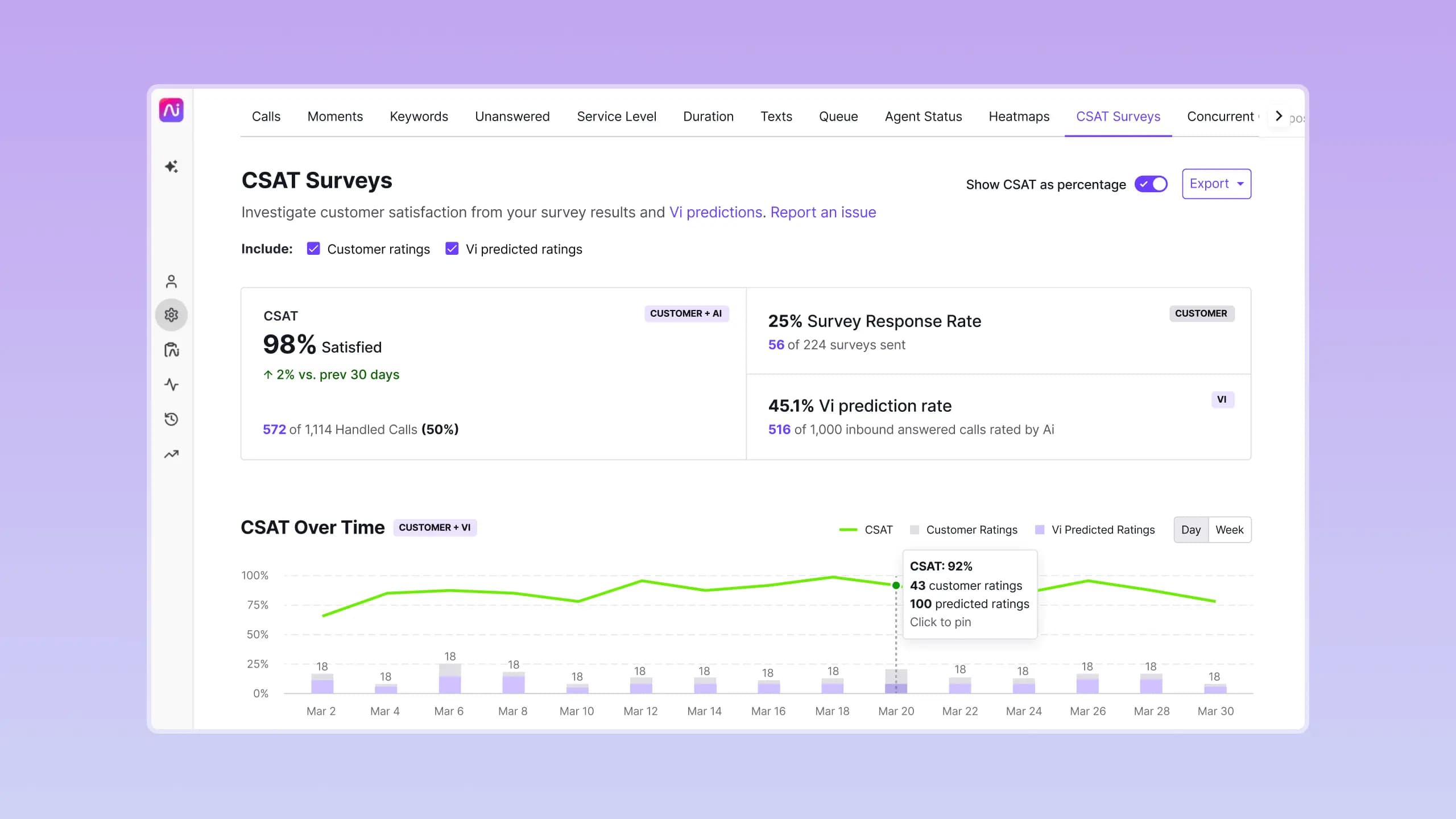
Consero curates invitation-only executive events. I designed and built the platform that replaced fragmented Salesforce pages, manual PDFs, and a legacy mobile app, supporting attendees and sponsors across three brands.
Product Design, Design System, Product Engineering, React Query, Next.js
The Challenge
Consero’s team needed a better way to run event registration, scheduling, meeting requests, logistics, and agenda production without losing Salesforce as the source of truth. At the same time, attendees needed a solid product experience to guide them through the ever-changing state of the event lifecycle. And all this had to be done under certain constraints:
- 300+ attendees per event, multiple events running at once
- Multiple user types with different permissions and workflows
- Salesforce-backed API responses often exceeding 1 second
- Unreliable Wi-Fi in event venues
- Three branded experiences, one codebase
Mapping the Event Lifecycle
The event process for attendees and sponsors is very stateful and varies based on the user type. Before jumping into pixels, I needed to fully understand the process, and we needed the entire team to be aligned. So I spoke with Consero team members, attendee users, and sponsor users to get a handle on every step as it stood and to shape the ideal future flow. Along the way, I identified a few principles that I used to shape the experience going forward.
- Wayfinding: Use visual cues to guide attention as the event progresses.
- Feedback: Update immediately, then roll back and explain what happened if something fails.
- Anticipation: Preload the data people are most likely to need next.
System Architecture
This needed to be a modern application, but we still needed all the data to come from the legacy Salesforce instance. After some iteration and refactoring, we landed on browser requests passing through Next.js route handlers, which call the APEX API via our domain functions.
Requests can fail for a handful of reasons: an expired session, missing permissions, an invalid request body, or an unexpected Salesforce response. I used better-result to establish typed errors, which improved DX and debugging, gave us better observability, and let us surface more helpful error messages to users.
export async function POST(
  request: Request,
  context: { params: { eventId: string; profileId: string } },
) {
  const { eventId, profileId } = context.params;

  const result = await Result.gen(async function* () {
    const config = yield* getAuthConfig();

    const session = yield* resolveEventRequestIdentityWithType({
      businessUnit: getBusinessUnit(),
      eventId,
      request,
    });

    const body = yield* Result.await(
      readAttendeeDetailsRequest(request, { userType: session.userType }),
    );

    const posted = yield* Result.await(
      postAttendeeDetails({
        accessToken: session.accessToken,
        config,
        eventId,
        profileId,
        body,
      }),
    );

    return Result.ok(posted);
  });

  return toPostAttendeeDetailsRouteResponse(result);
}
Contextual Dashboard
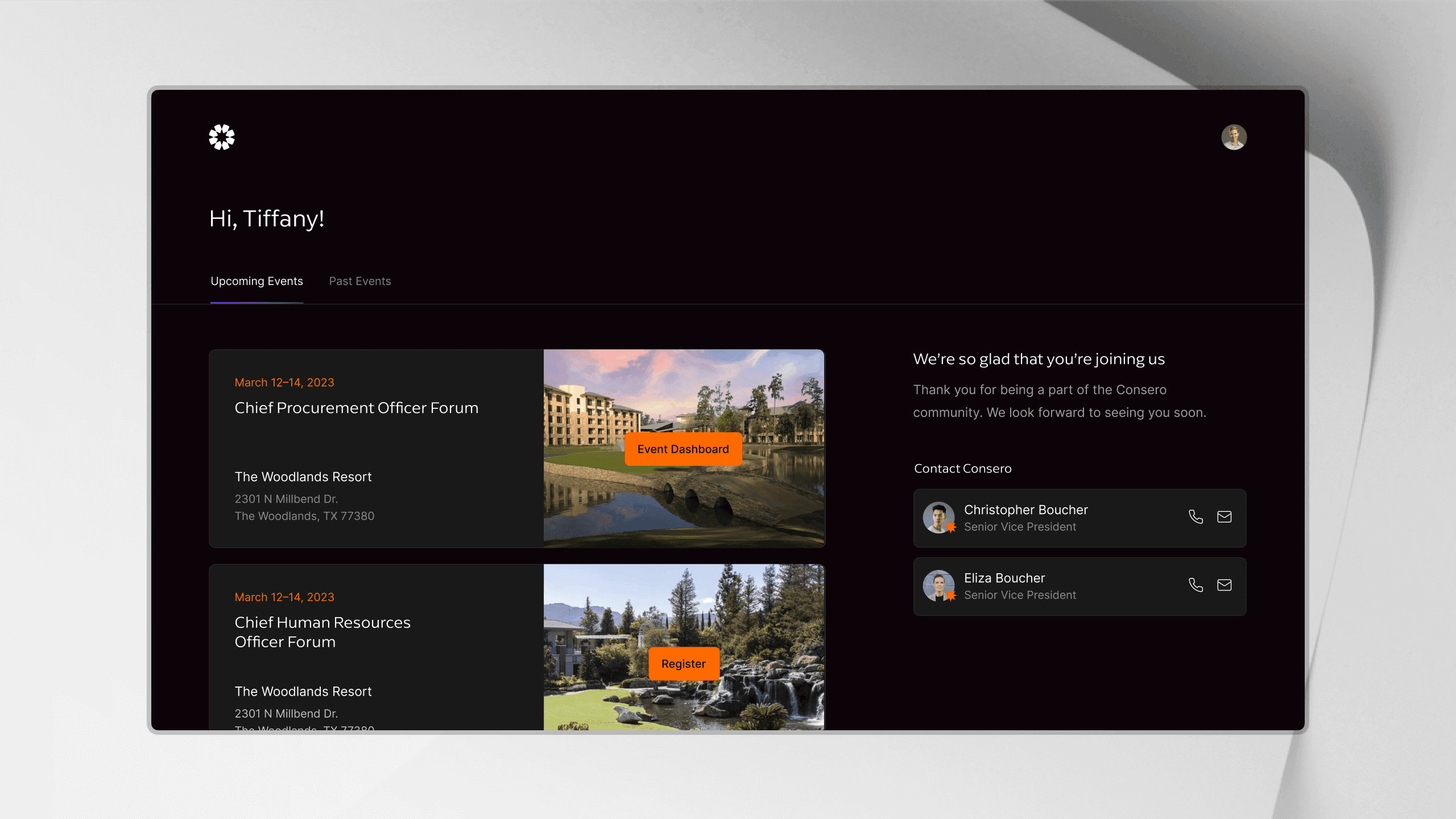
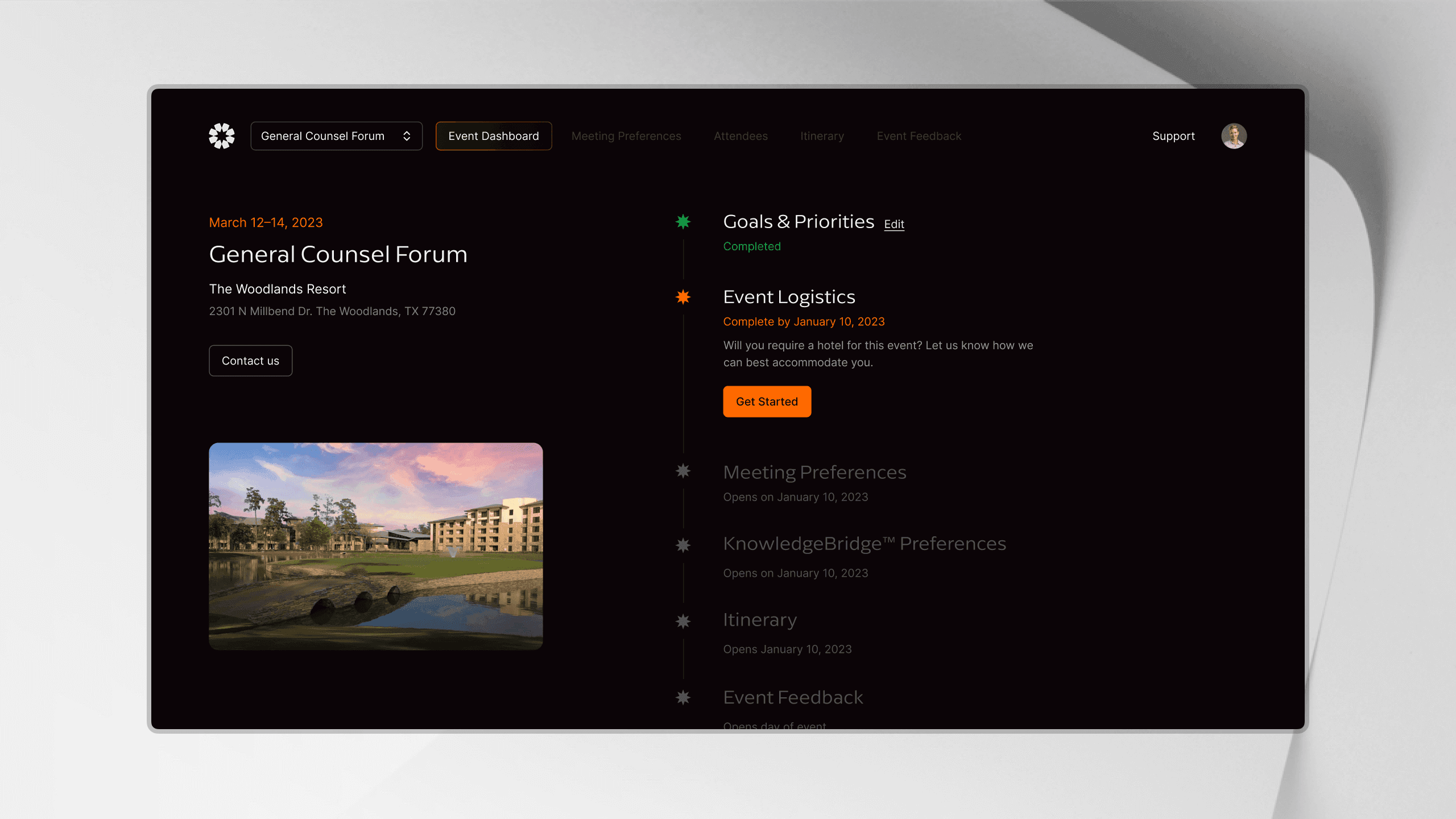
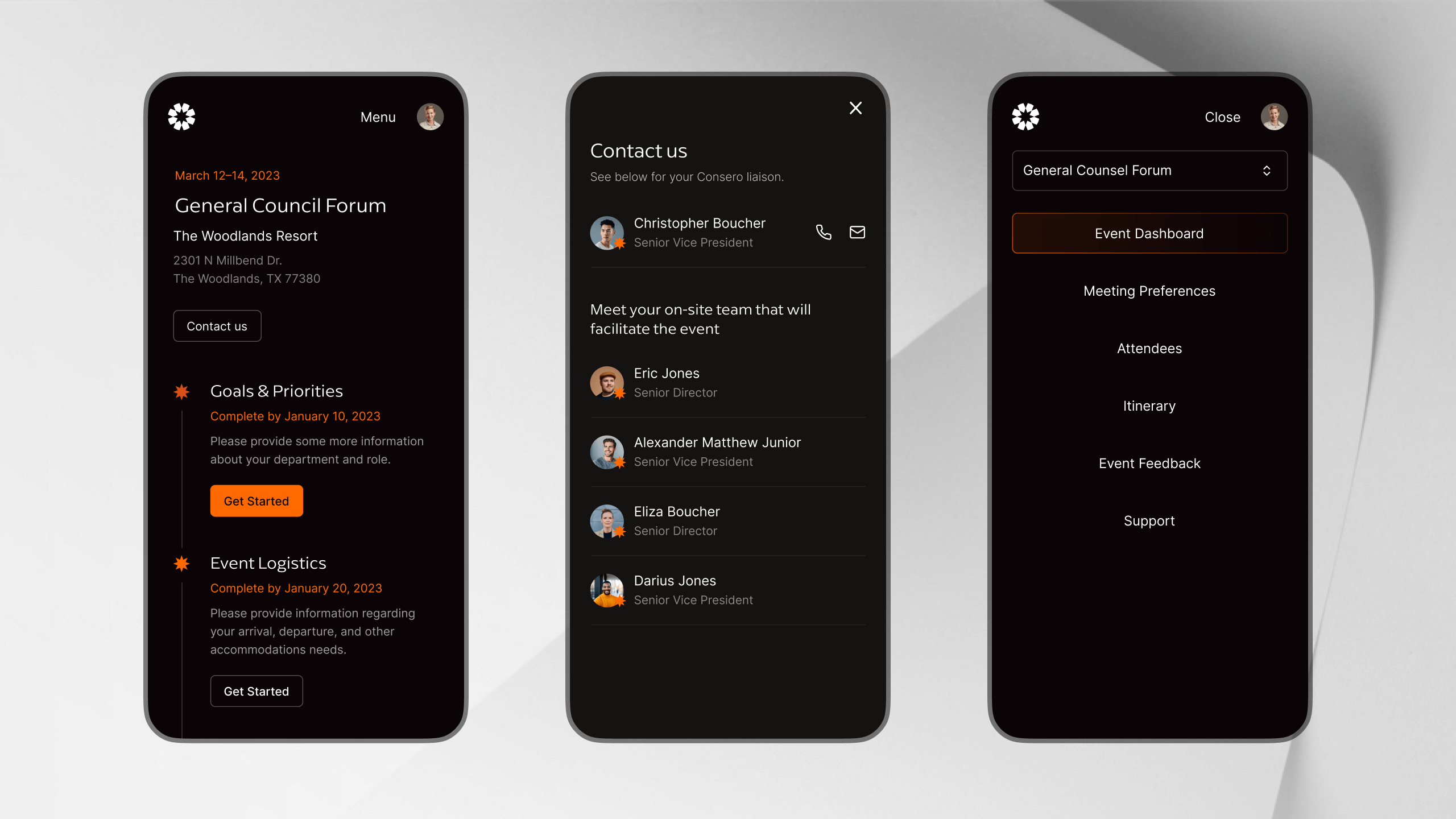
Attendees needed one place to see what to do next. The tasks shown depend on the event timeline, attendee type, completion status, and data from Salesforce. Some actions only become available before or after a specific milestone.
I designed the dashboard around four explicit task states:
UnavailableActiveCompletedEditable
Unavailable tasks have less visual emphasis and show when they will open. Active tasks stand out as the next action to take. Completed tasks confirm progress, while editable tasks let attendees return and update their information when needed.
Metadata-Driven Forms
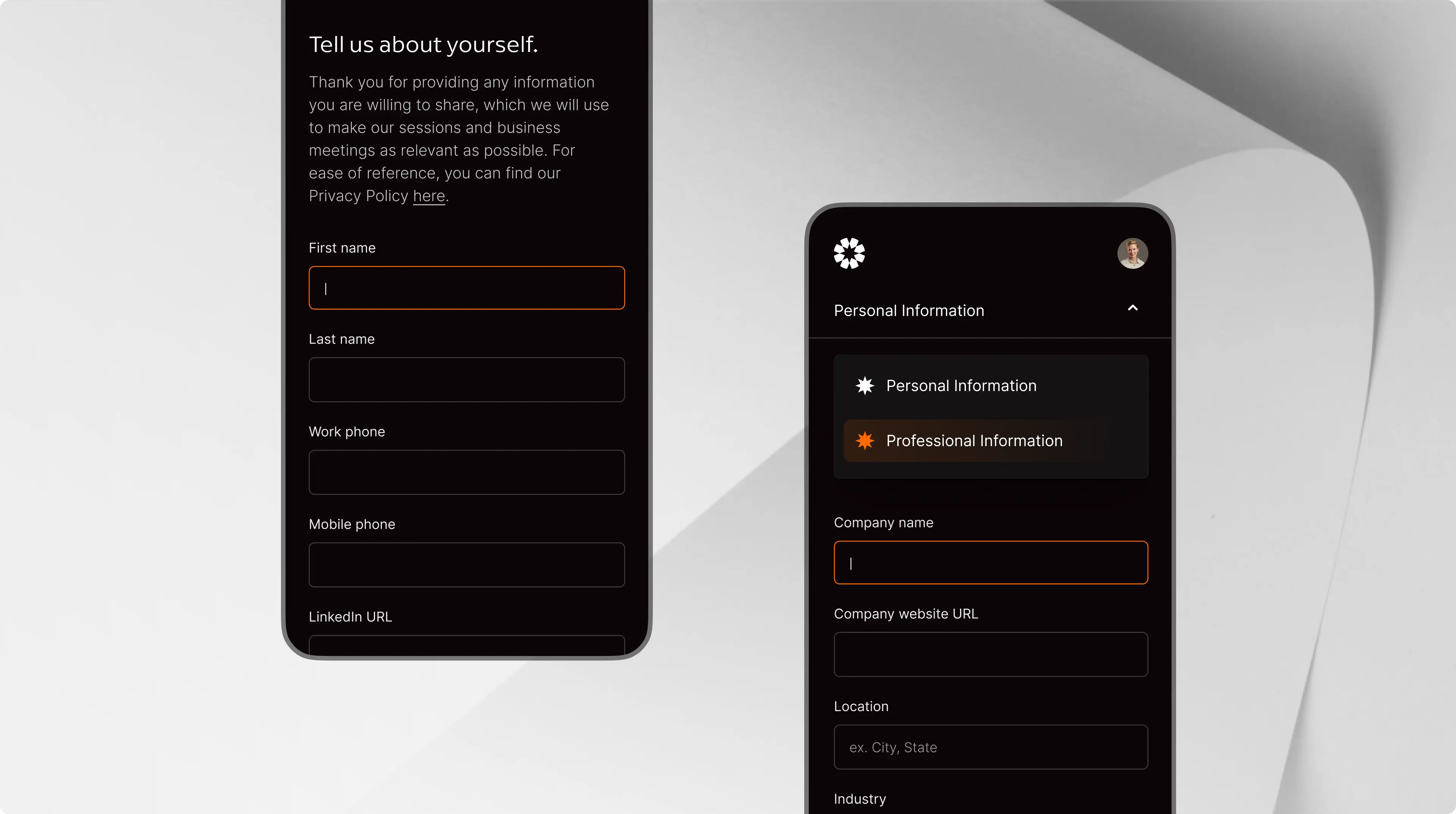
Each event needs its own mix of forms: registration, profiles, goals, feedback, logistics, and partner requests. The first version of the Form Builder worked, but one component was responsible for nearly everything: rendering, validation, navigation, autosave, mutations, uploads, and every edge case.
I refactored it into a feature-local compound component with a small public API, a view model that manages the workflow, and a component structure that is easy to follow:
<FormBuilder.Root>
  <FormBuilder.Sidebar />
  <FormBuilder.Main>
    <FormBuilder.StepHeader />
    <FormBuilder.Form>
      <FormBuilder.Fields />
      <FormBuilder.Footer />
    </FormBuilder.Form>
    <FormBuilder.MobileLiaisons />
  </FormBuilder.Main>
</FormBuilder.Root>
Salesforce metadata maps to reusable field renderers grouped by responsibility: basic inputs, choices, file uploads, session feedback, and partner lists.
The view model manages the active step, dirty sections, autosave, validation, and focus on the first invalid field. React Query handles mutations, rollback, and cache invalidation.
Read the deep dive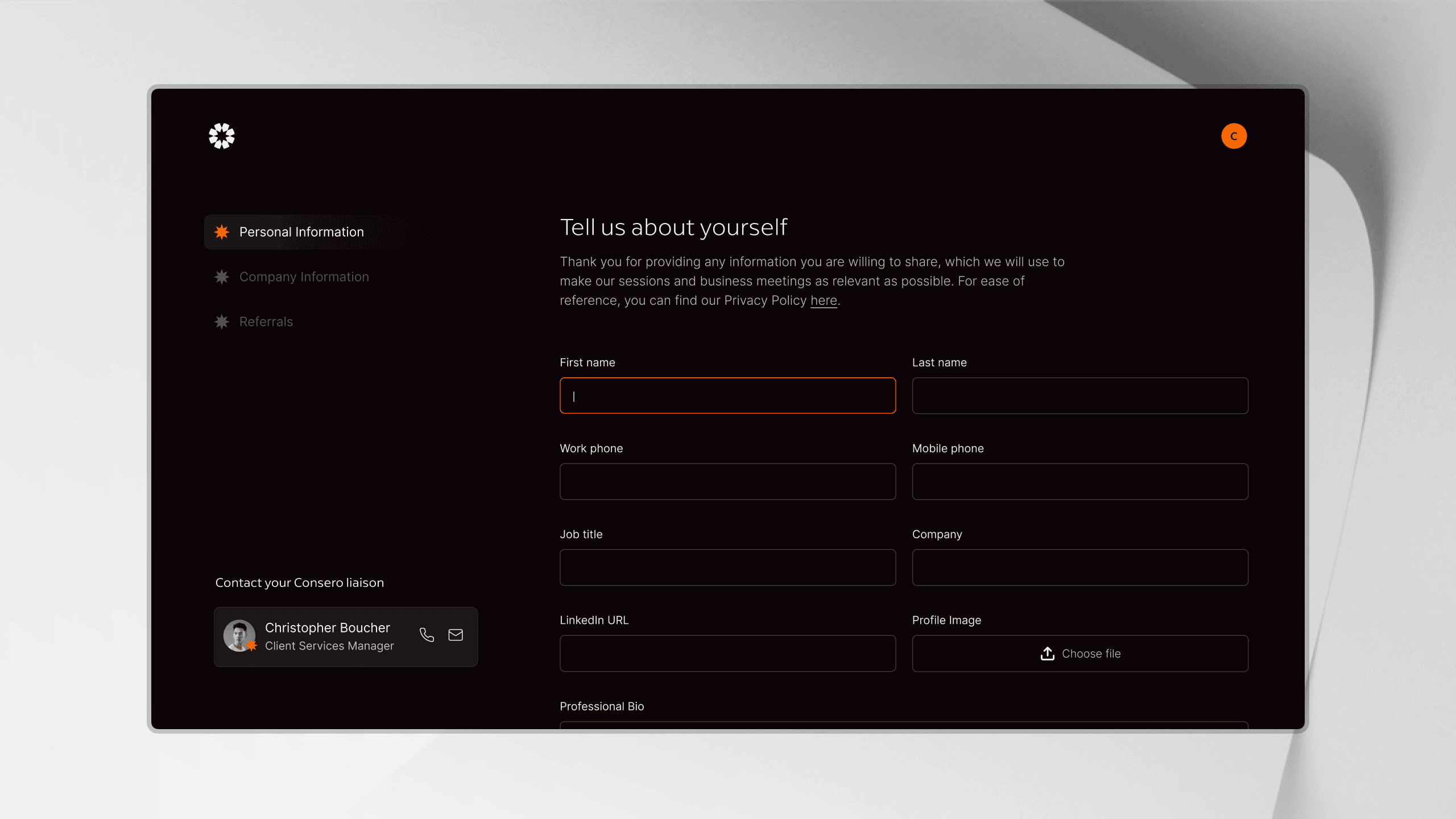
Composable Tables
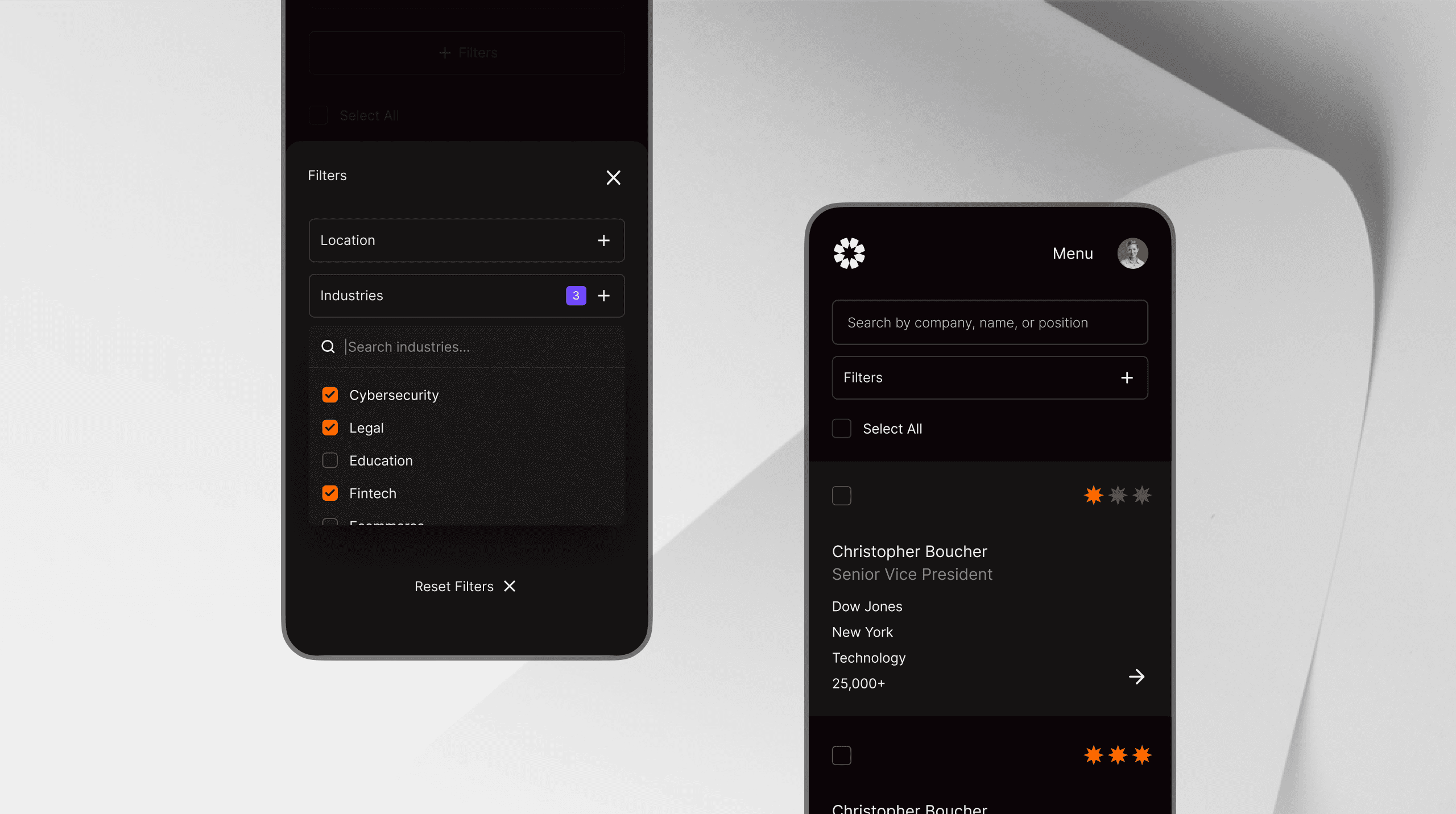
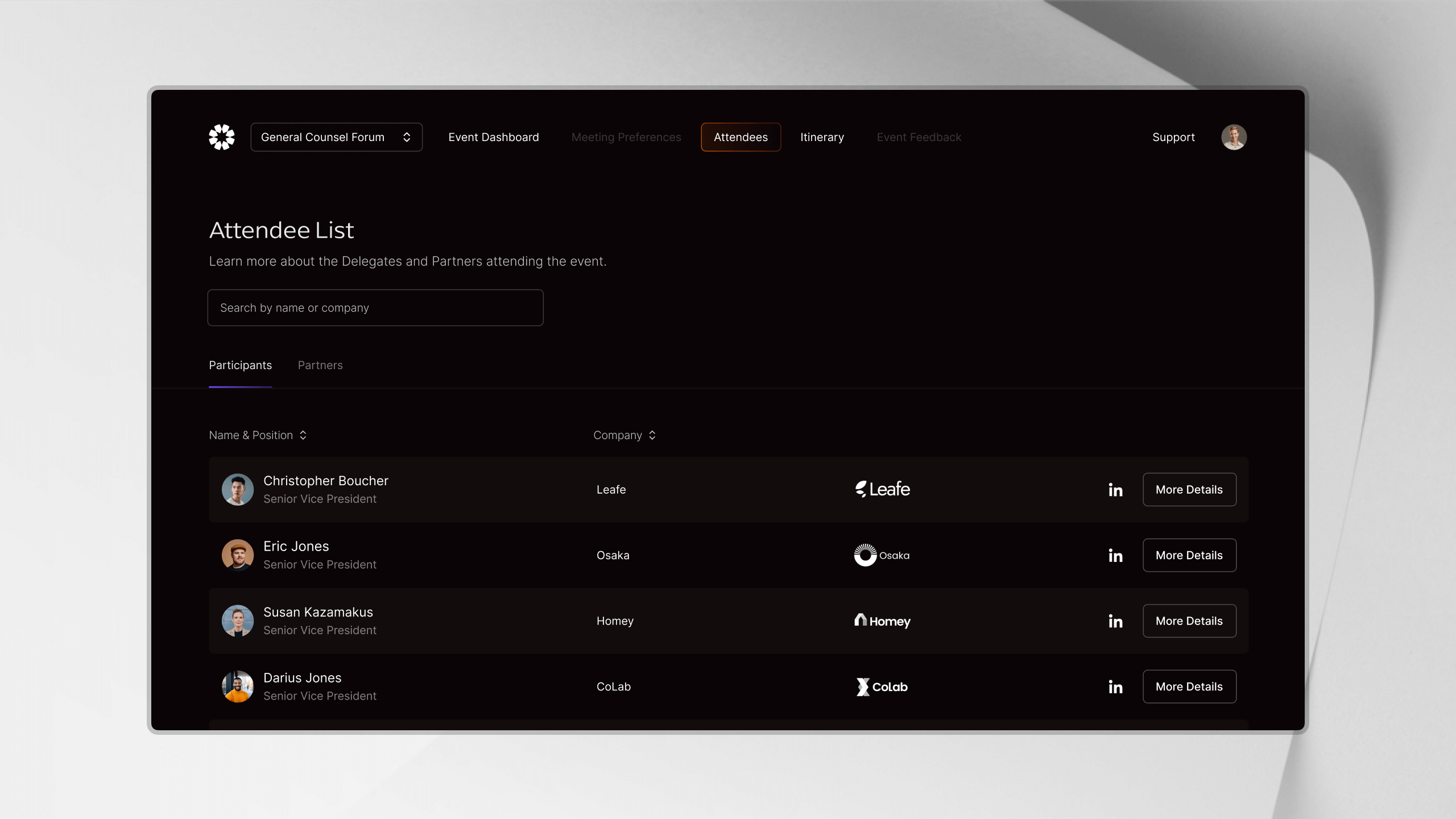
Preference ranking is the most demanding table workflow in the product. It combines large sets of companies or attendees with search, sorting, filters, sticky controls, drafts, and submission. The same table patterns also support check-in lists, itineraries, attendee directories, and session rosters.
I used PreferenceTable to establish a shared structure, and each workflow then adds the behavior it needs: ranking and drafts for preferences, status updates for check-in, and schedule details for itineraries.
Fast Navigation Over Slow APIs
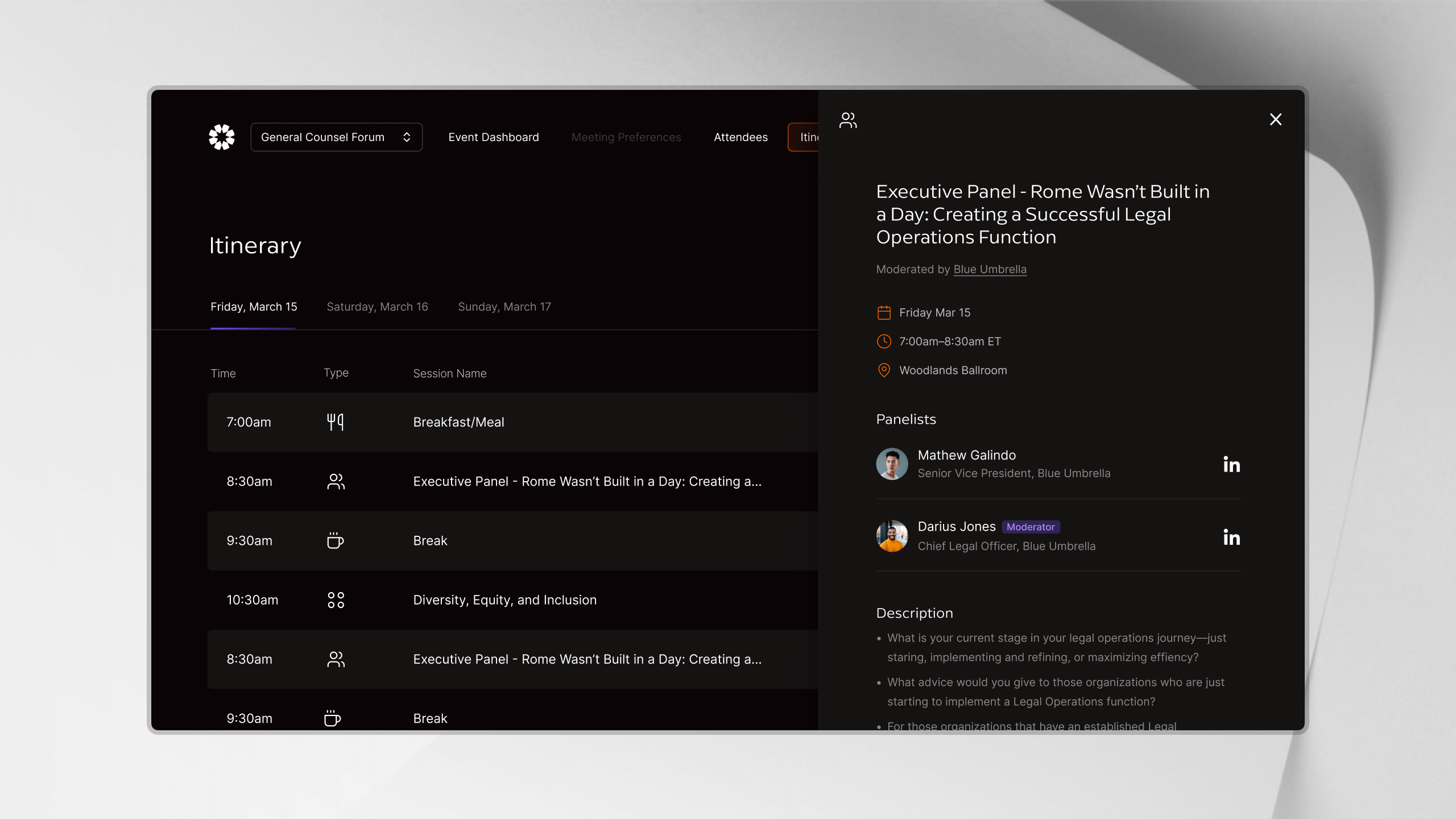
Salesforce-backed requests can take more than a second, and venue Wi-Fi can make them even slower. During a live event, attendees opening their itinerary still expect the product to respond immediately. I couldn’t make every upstream request fast, so I made the most common navigation paths feel fast.
React Query prefetches data for likely next routes before the attendee clicks, using centralized query keys:
queryClient.prefetchQuery({
  queryKey: qk.event.attendeeDetails(eventId, profileId),
  queryFn: () => fetchAttendeeDetails({ eventId, profileId }),
  staleTime: 5 * 60 * 1000,
});
When the data is already cached, the next screen can render in roughly 50 milliseconds. Requests that previously took more than a second become invisible on common paths. Repeat visits reuse the same data, while the qk factory keeps cache invalidation consistent.
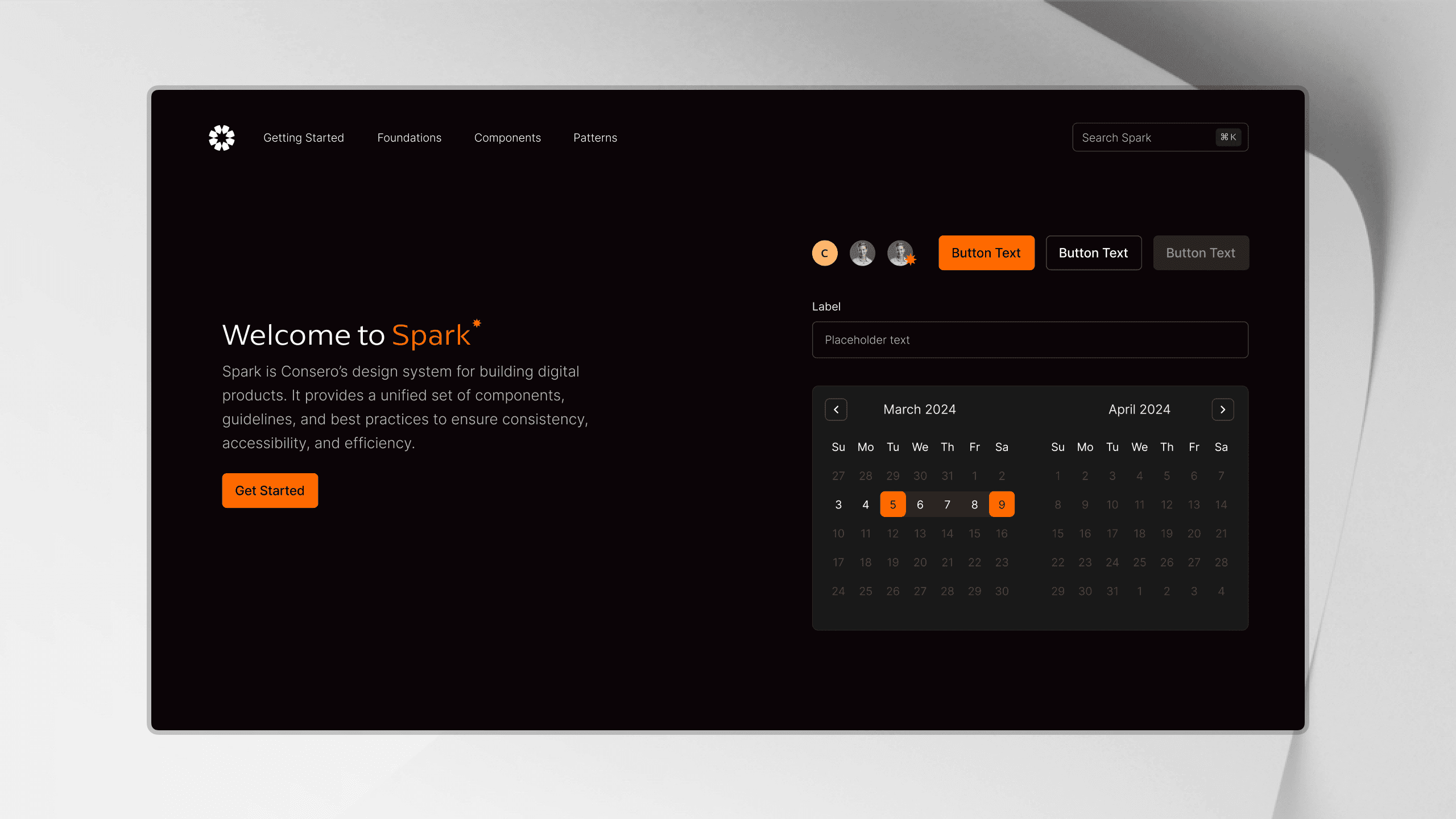
Spark Design System
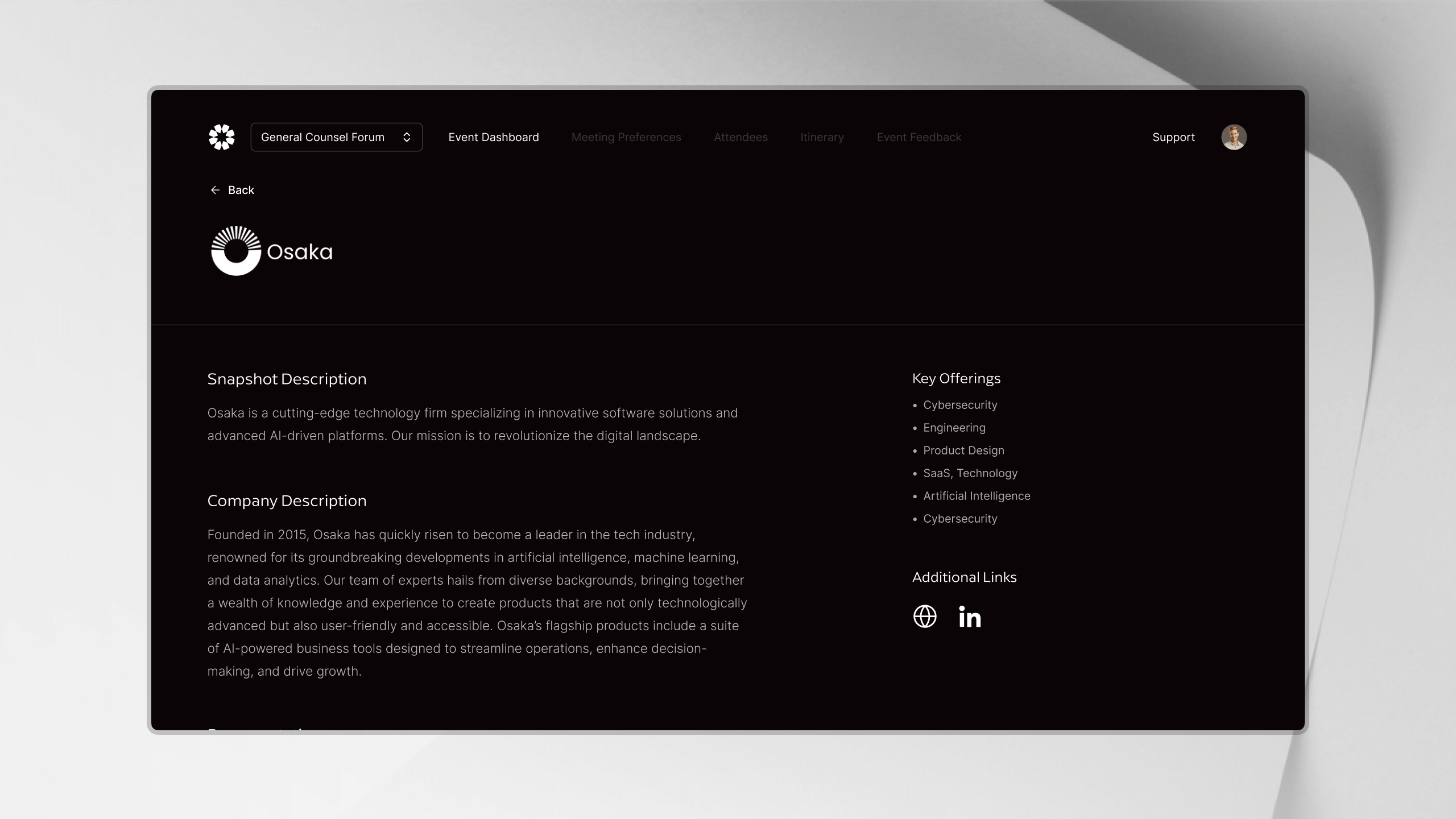
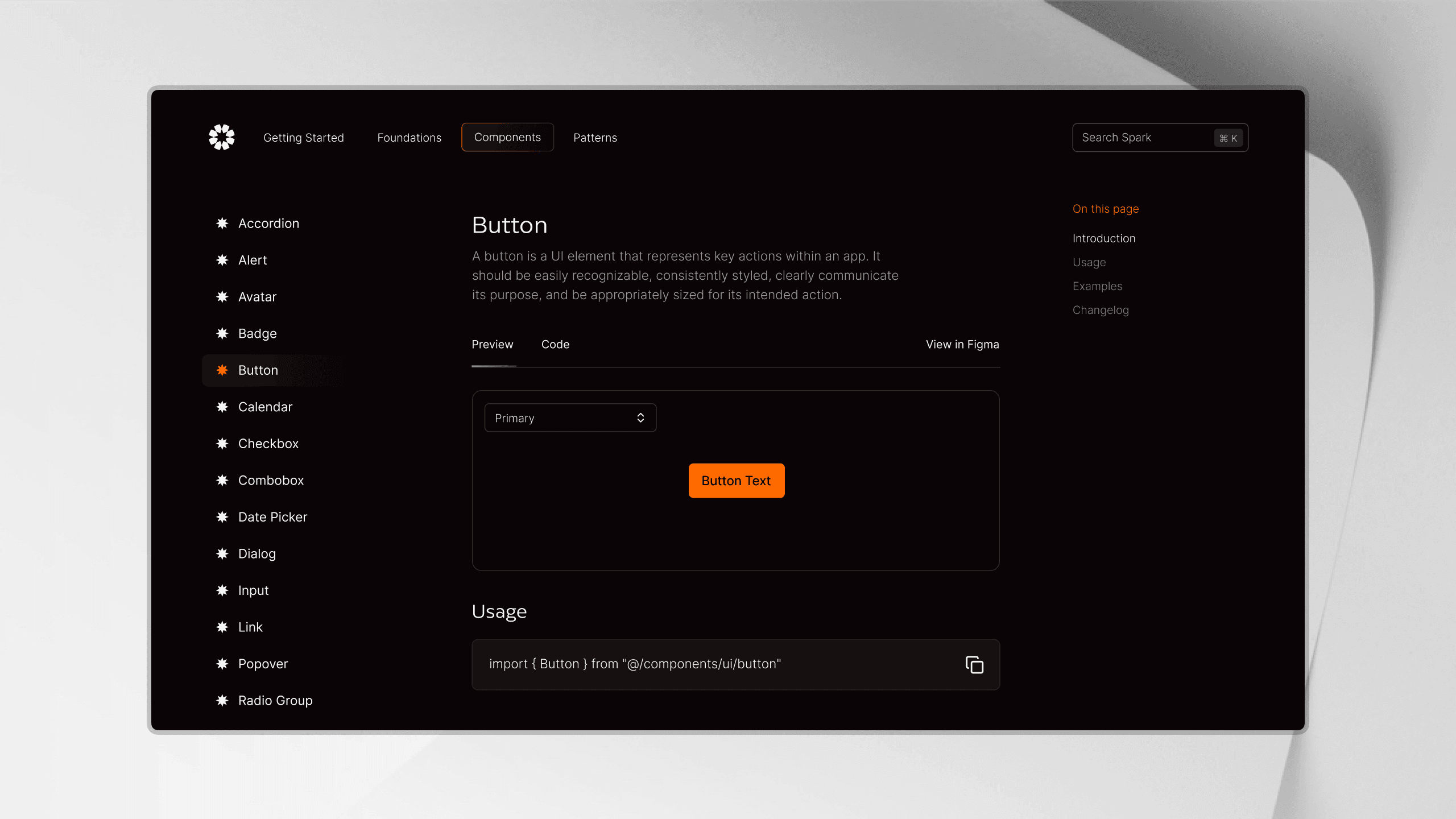
Spark is the design system I built to carry the Consero aesthetic across the product without tying components to a single brand.
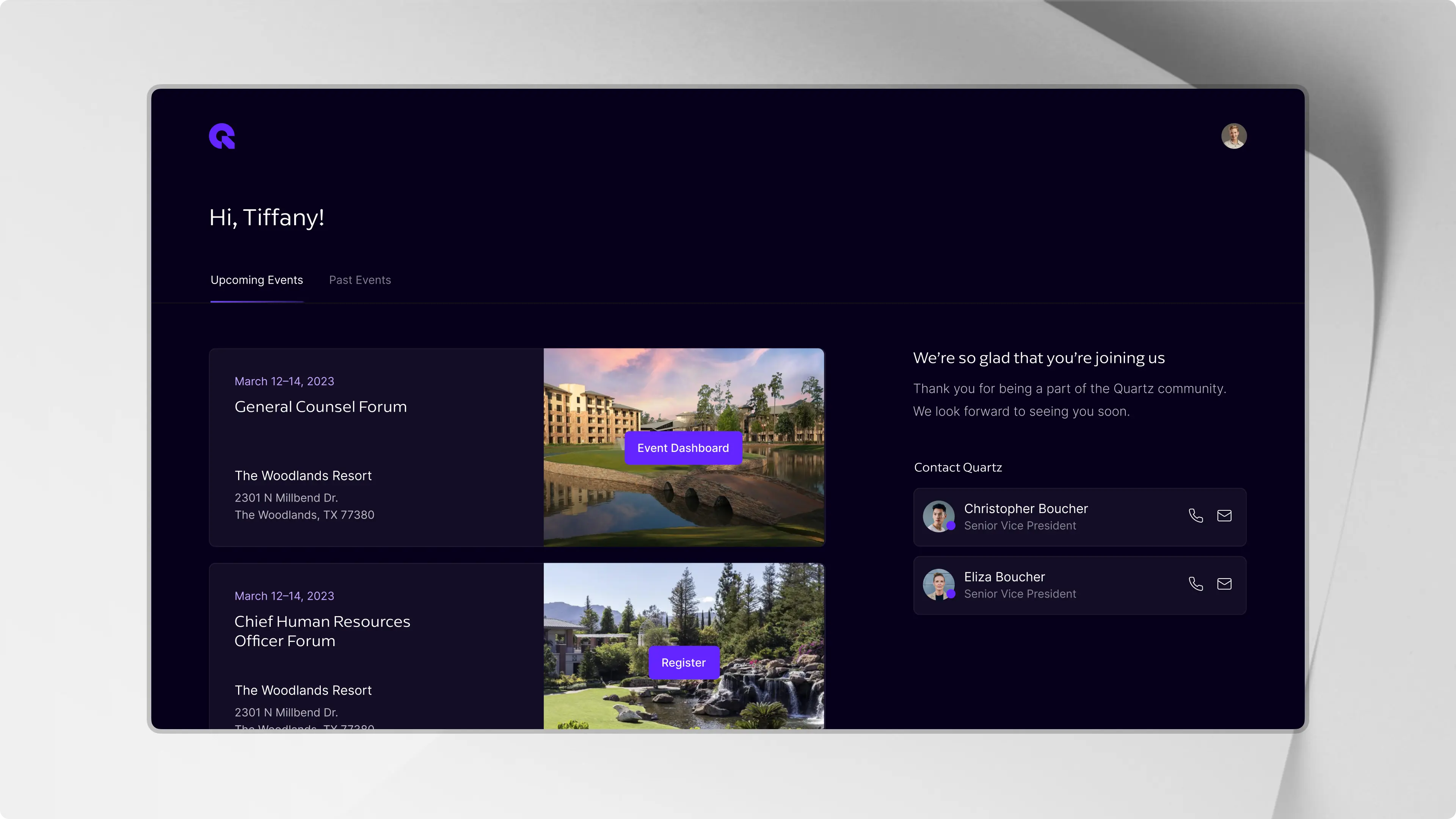
Semantic tokens define product roles for surfaces, text, borders, icons, focus, and status. Each brand supplies its own values through data-brand-theme, allowing Consero, Eaton Hall, and Quartz to share the same components while keeping distinct identities.
Spark includes more than 75 reusable elements documented across 50 pages. The system builds from small foundations into complete product experiences:
primitivecomponentpatternblockscreen
One Product, Three Themes
Each brand owns its neutral and accent scales, with dedicated light and dark modes, then maps them to tokens like surface-page, text-muted, border-brand, focus, and status-success.
The root sets a single data-brand-theme, while components keep the same markup and reference semantic tokens instead of brand-specific colors.
/* Palette */
[data-brand-theme="consero"] {
  --brand-neutral-0: 255 255 255;
  --brand-neutral-200: 194 194 194;
  --brand-neutral-300: 79 79 79;
  --brand-neutral-900: 11 4 7;
  --brand-accent-500: 255 106 0;
  --brand-success-600: 22 163 74;

  /* → semantic roles */
  --surface-page: var(--brand-neutral-0);
  --text: var(--brand-neutral-900);
  --text-muted: var(--brand-neutral-300);
  --border-brand: var(--brand-accent-500);
  --focus: var(--brand-accent-500);
  --status-success: var(--brand-success-600);
}

/* Dark mode remaps the same roles */
.dark[data-brand-theme="consero"] {
  --surface-page: var(--brand-neutral-900);
  --text: var(--brand-neutral-0);
  --text-muted: var(--brand-neutral-200);
}
Consero, Eaton Hall, and Quartz can share the same workflows while still feeling like distinct products. New components inherit the right theme automatically, and brand updates happen once at the token layer instead of throughout the product.
Outcomes
The platform is now the starting point for every event across Consero, Eaton Hall, and Quartz. Attendees use one product for registration, schedules, meeting preferences, and logistics. The legacy mobile app has been retired, along with the PDFs, spreadsheets, and email chains that operations teams previously managed by hand.
4x
Faster event setup. Operations teams launch registration, agendas, and logistics in days, not weeks
8k+
Attendees served across three brands, all on one codebase
80%
Of manual event workflows eliminated. PDF agendas, spreadsheets, and email chains retired
PWA
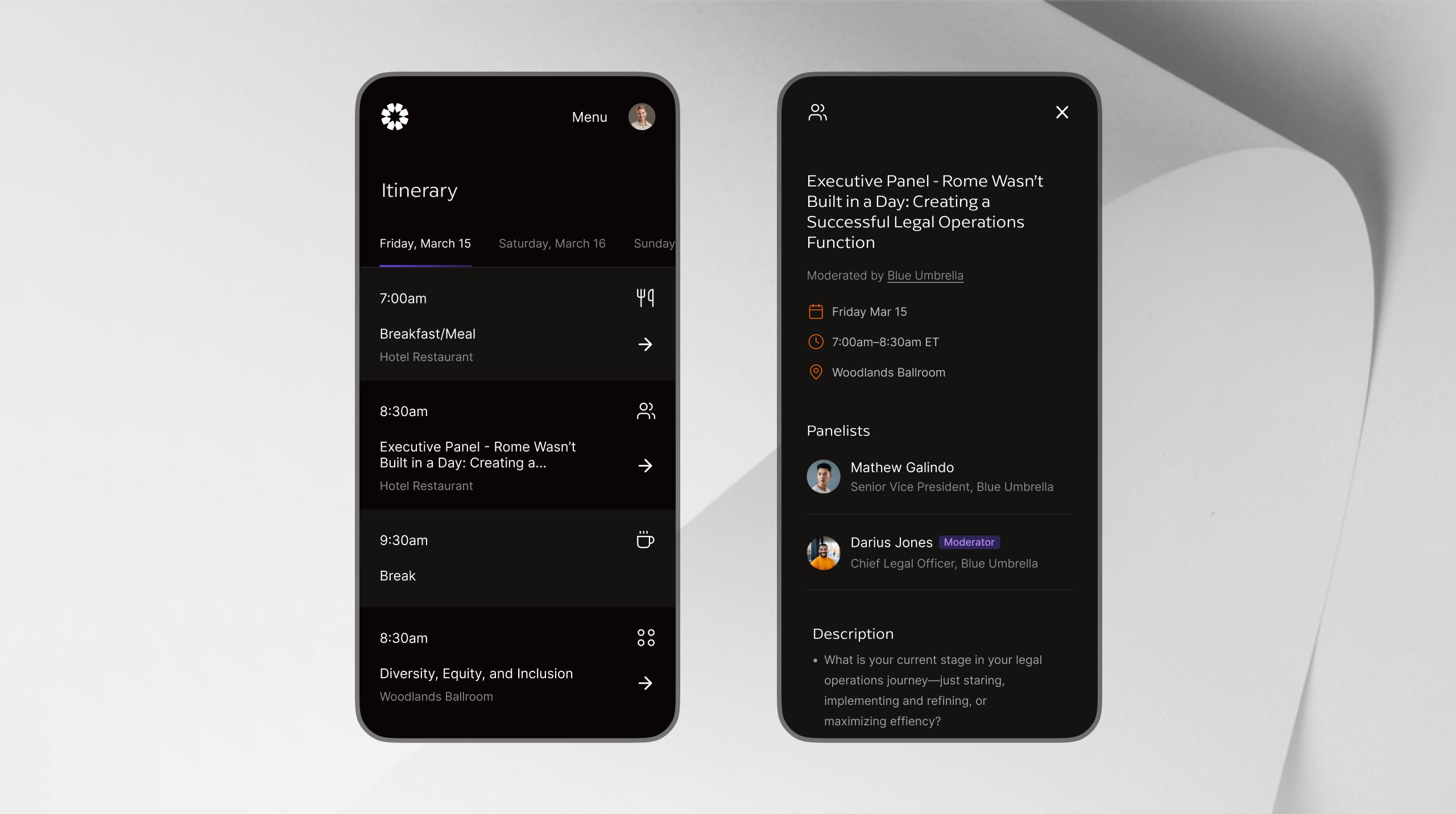
Installs from the browser to the home screen. The legacy native app is retired, with nothing to download or update